
Choose a meeting room based on the number of participants, the type of meeting and how easy it is to get to. Look at the layout, the technology and who welcomes your guests. Put everything on a list before you book, so there are no surprises on the day itself.
A good meeting starts with the room. Too cramped and everyone sits on top of each other. Too big and it feels empty and distant. A screen that does not work costs a quarter of an hour and the whole group’s concentration. With a few questions up front, you choose a meeting room that suits what you want to achieve.
What kind of meeting is it?
Start with the purpose. A weekly team meeting needs something different from a job interview, a client presentation or a brainstorm.
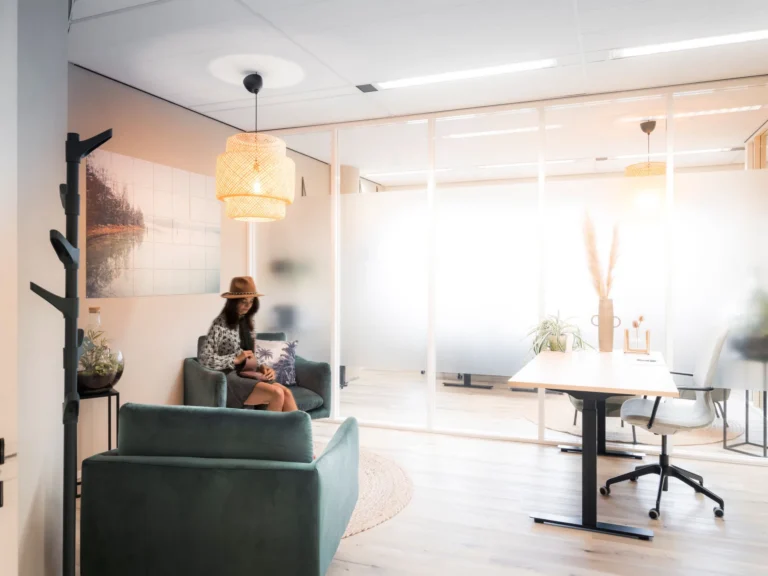
- Short meeting or conversation with two or three people: a small room with a table and a screen is enough.
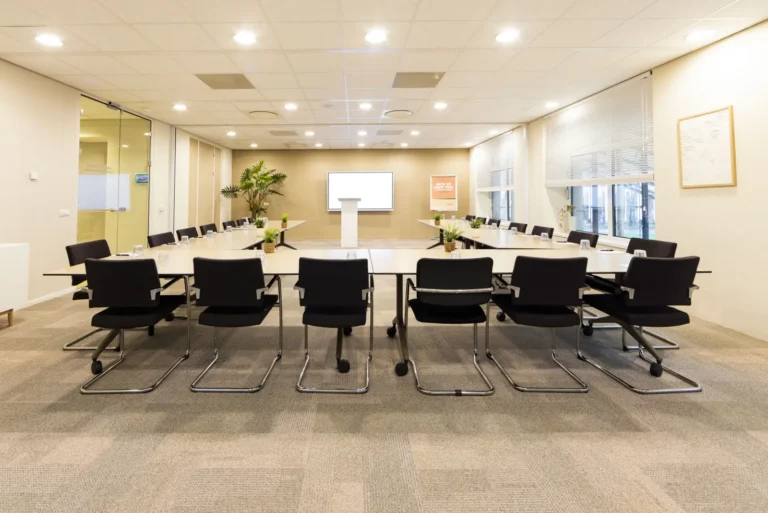
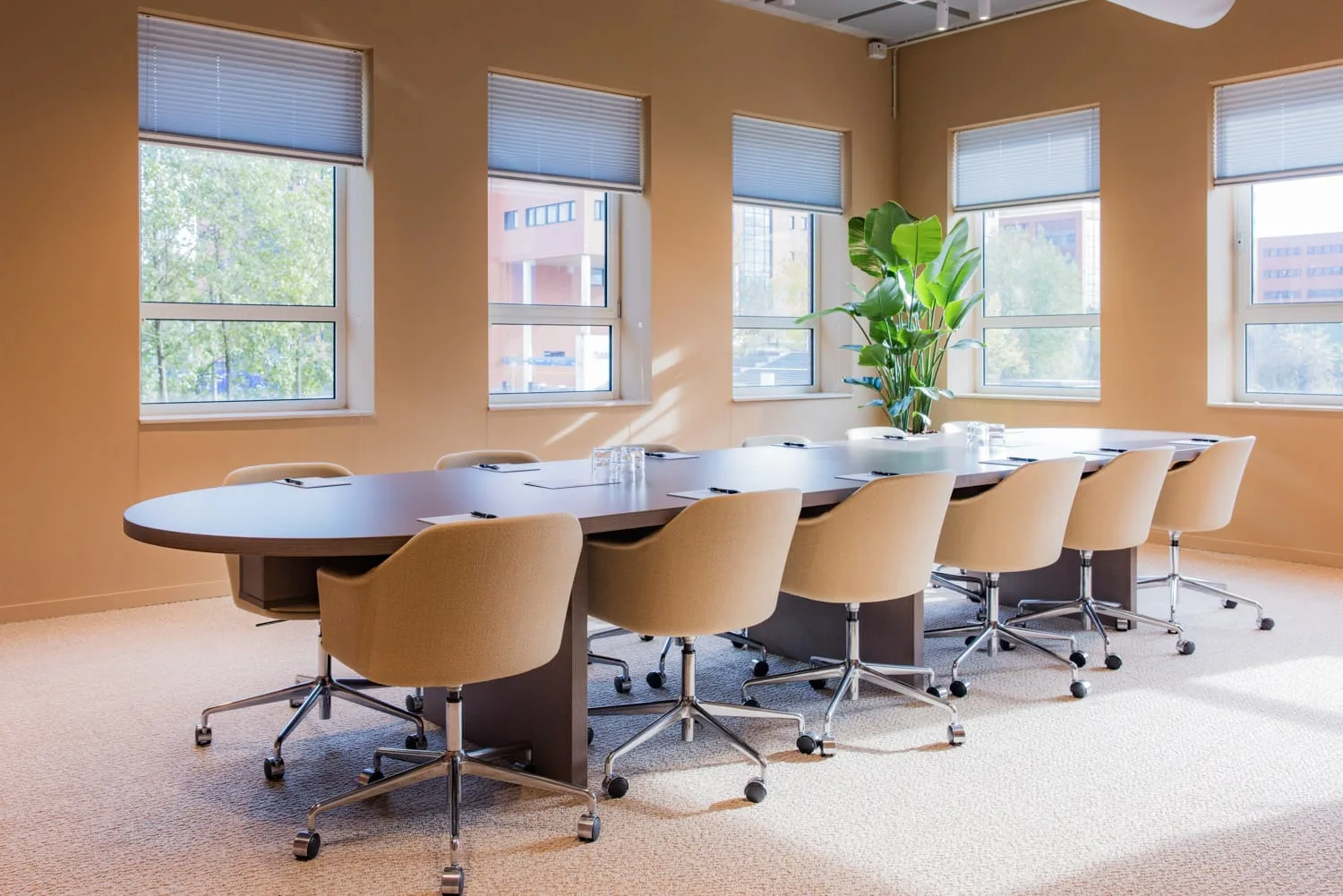
- Team meeting or client appointment: a meeting room where everyone can see each other, with a screen to share something.
- Presentation or training: a room where everyone can see the screen clearly, with space for the speaker.
- Brainstorm or workshop: room to stand and write, with a whiteboard or flip chart.
The purpose also determines how long you need the room. You book a one-hour conversation differently from a day with your team.
How big should a meeting room be?
Count the number of participants and then look at the capacity of the room. That capacity usually assumes a fixed layout. A room for ten people around one table can sometimes take more in theatre style, and fewer in a U-shape.
If in doubt, choose something a little roomier. People want somewhere to put their laptop, set down a cup of coffee and be able to stand up for a moment. A full room feels stuffy after an hour.
Which layout suits which type of meeting is explained in “Which room layout suits your meeting?”
A meeting coming up?
See meeting rooms at our locations
Technology: what do you need?
Ask in advance what is in the room and, if possible, try it out before you start. Think of:
- a screen or projector, and how you connect your laptop;
- wifi for you and your guests;
- a camera and microphone if people join online;
- a whiteboard or flip chart.
If people join remotely, sound becomes more important than picture. A good microphone in the middle of the table makes more difference than a big screen. More on this in “Hybrid meetings: how to give everyone a voice”.
Getting there and the welcome
Choose a place that is easy to reach for most participants. Look at the travel time by public transport and by car, and whether there is parking. A meeting room in the city centre is great by train, but harder if everyone comes by car.
Pay attention to the welcome as well. If clients or candidates are coming, you want someone to welcome them and show them the way. That makes a better first impression than a door with a code.
What comes with the hire?
Ask what is included and what you can order on top. With one meeting room, water and wifi are standard; with another, you pay separately for everything. Also ask whether you can hire by the hour or only by the half day, and what happens if you overrun.
Checklist for your booking
Go through these points before you book:
- Date, start and end time, with some time before and after.
- Number of participants, and whether anyone joins online.
- Preferred layout.
- Technology: screen, camera, microphone, whiteboard.
- Getting there and parking for the participants.
- Who welcomes your guests and how they find the room.
- What is included in the price and what you arrange separately.
Organising a whole day away, such as a training session or an away day? Then also read “Choosing a venue for a training session or away day”.
Meeting at Element Offices
At our locations you will find meeting rooms in different sizes, from a small room for a conversation to a room for a group. At locations with a reception, your guests are welcomed there. For each location you can see which meeting rooms there are, for how many people and what comes with them. See Meeting rooms for the room that suits your meeting.
Frequently asked questions
How big should a meeting room be?
Count the number of participants and look at the capacity in the layout you want. If in doubt, choose something a little roomier, so everyone has space for their things and can stand up for a moment.
Can I hire a meeting room by the hour?
With many providers you can, including Element Offices. For each location you can see which rooms there are and how to book them. You can meet during reception opening hours.
What should a meeting room have?
At least a table with enough chairs, wifi and a screen to share something. If people join online, you also need a camera and a good microphone.