
In a hybrid meeting, some people sit at the table and some take part online. That only works if the sound is good, everyone can see each other and the chair actively involves the online participants. Test the technology in advance and agree a few fixed rules.
Five people at the table, three on a screen. It sounds like the most normal thing in the world, but anyone who has joined such a meeting from home knows how it goes: you hear half of it, nobody looks at the camera and by the time you want to say something, the topic has moved on. A hybrid meeting takes more preparation than an ordinary one. With these tips, everyone gets a voice.
What is a hybrid meeting?
In a hybrid meeting, some participants sit together in a room and some take part online, via Teams, Zoom or another program. The difference with an ordinary online meeting: not everyone is behind their own screen. That is exactly what makes it tricky, because the people in the room automatically have an advantage.
Sound comes before picture
Online participants can cope with a blurry picture. Poor sound, they cannot. If they cannot make out what is being said, they drop out.
- Use a good microphone in the middle of the table, or a system that picks up the whole room. The microphone of one laptop at the end of the table is not enough.
- One sound source in the room. If several people in the room join on their laptops as well, mute their microphones and speakers. Otherwise you get feedback.
- A quiet room with the door closed helps. Echo and background noise sound twice as loud online.
Make sure everyone can see each other
- A camera that shows the whole table, ideally next to the screen, so it looks as if you are looking at the online participants.
- A large screen in the room, so the online participants sit at the table at life size rather than in a corner of a laptop.
- Share documents digitally. What is on a whiteboard is often unreadable online. Work in a shared document or share your screen.
The role of the chair
Technology is half of it. The other half is how you lead the conversation.
- Start with the online participants. Let them respond first in a round. That way they are not always the last to speak.
- Say who is speaking. Online, it is not always clear who is talking at the table.
- Keep an eye on the chat, or ask someone in the room to do so.
- Agree on raising hands, in the room too. Then the same rules apply to everyone.
- Summarise decisions at the end of each topic. That helps everyone, but especially those following online.
Test in advance
Arrive ten minutes early. Connect your laptop, start the meeting and dial in briefly with your phone to hear how it sounds. That way you solve problems before eight people are waiting.
Choose the right room
Not every room is suitable for hybrid meetings. When booking, look for:
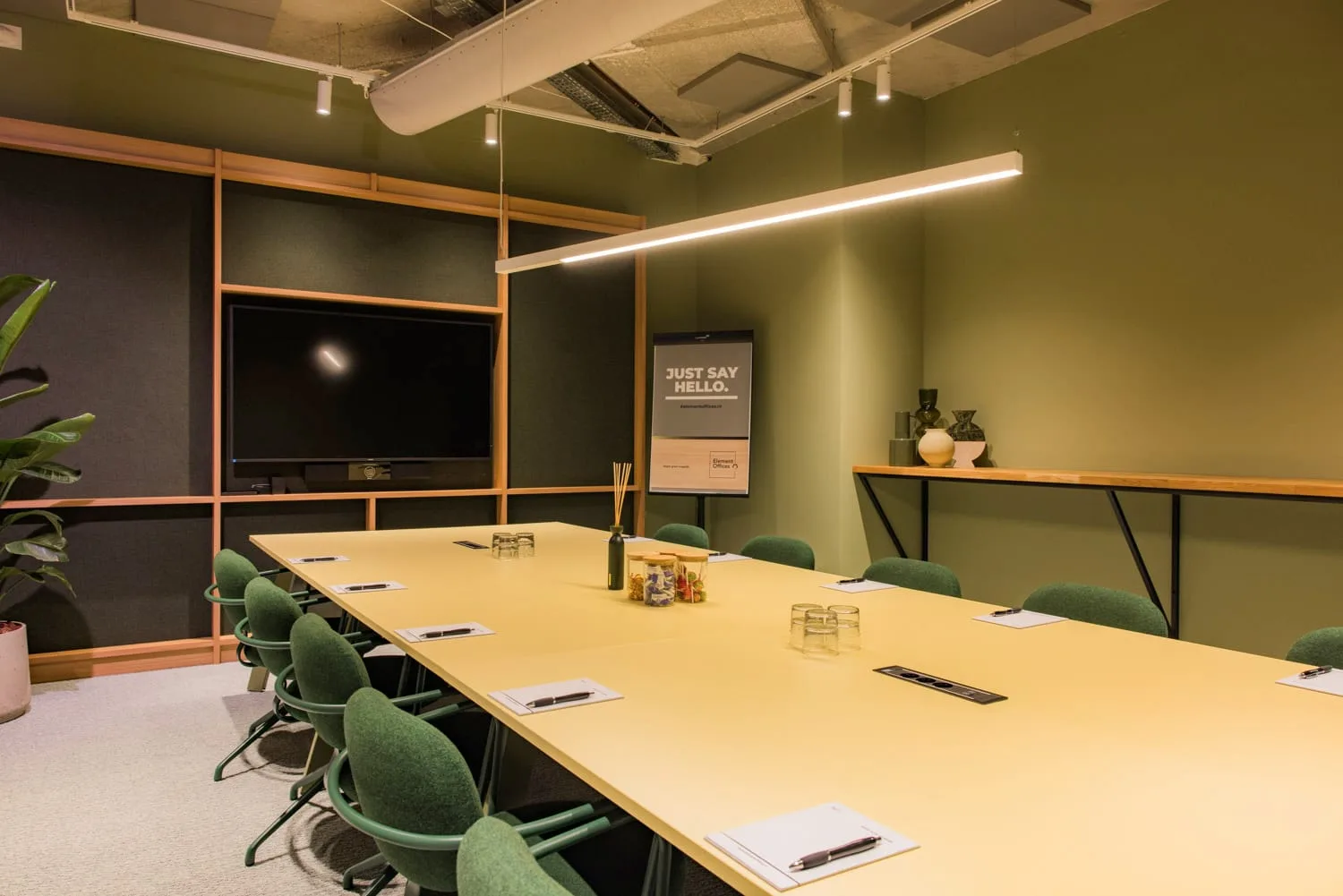
- a screen you can connect your laptop to;
- a stable internet connection;
- a room that is quiet, where sound does not echo;
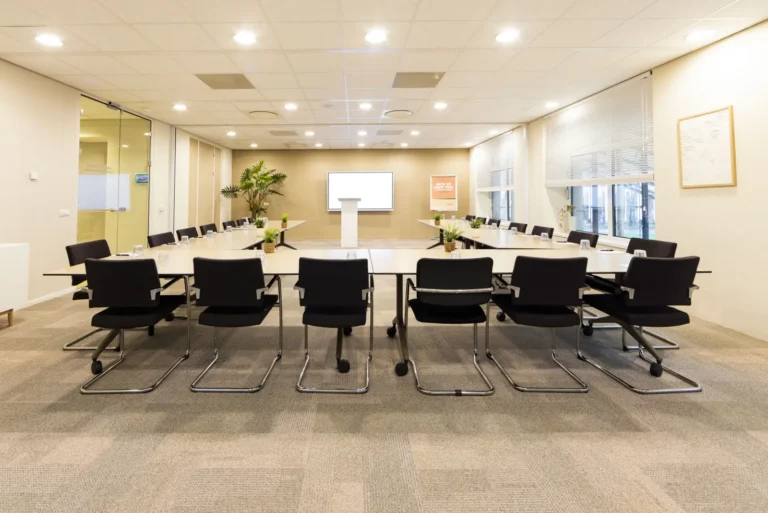
- enough space for everyone at the table, with the camera in view.
When booking, ask what technology there is in the room and what you need to bring yourself. More tips on choosing a room are in “Choosing a meeting room: what to look out for?”
Rather have everyone together?
Sometimes hybrid is not the best choice. For a difficult conversation, a brainstorm or a first meeting, being together in one room often works better. Then agree a fixed day on which everyone comes in. How to combine that with working from home is in “Hybrid working: how much office do you still need?”
Meeting at Element Offices
At our locations you will find meeting rooms for small and larger groups. For each room you can see what is included, and at locations with a reception your guests are welcomed there. See the rooms on Meeting rooms.
Frequently asked questions
What do you need for a hybrid meeting?
A good microphone that picks up the whole table, a camera that shows everyone, a screen on which the online participants are clearly visible and a stable internet connection. And a chair who actively involves the online participants.
How do you stop online participants from being left out?
Give them the floor first, say who is speaking, keep an eye on the chat and summarise decisions out loud. Above all, make sure they can hear everything clearly.
Which room is suitable for a hybrid meeting?
A quiet room without echo, with a screen, good internet and enough space at the table. When booking, ask what technology is available.